How to Prepare an Audio Post Turnover
A clear turnover gives your mixer the picture, tracks and context needed to start with fewer delays and fewer preventable questions.
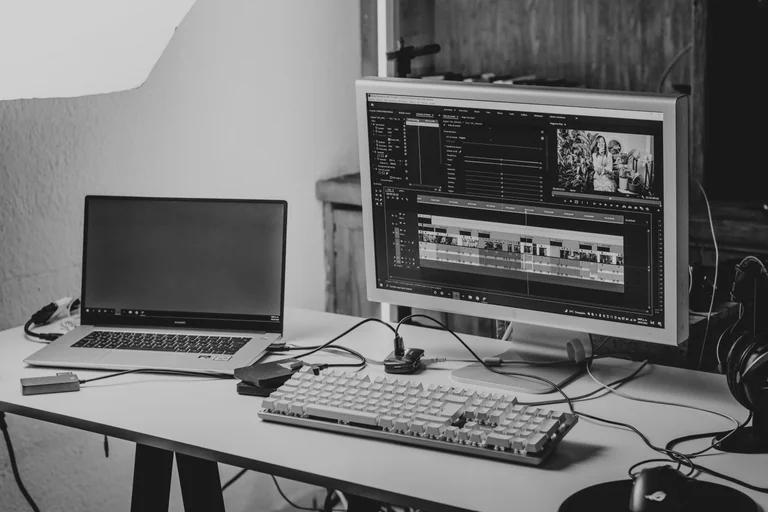
Start with the final picture
The most useful turnover begins with a stable picture edit. If the cut is still changing, tell your mixer which version is being supplied and what changes are still possible. A turnover can accommodate late picture revisions, but everyone should know whether the first pass is being built against final picture or a work in progress.
Supply a reference video with matching timecode and, when useful, a visible timecode burn-in. The reference should include the production audio and any temporary music or effects that explain the intended pacing. It gives the mixer a reliable way to check synchronization and understand the creative choices already made in the edit.
Prepare the editorial session export
An AAF or OMF should contain the production audio needed for the mix, with handles that leave room for edits, fades and cleanup. Include the original recordings rather than only a rendered mix of the dialogue. Separate microphones and isolated channels are especially valuable when a scene needs noise reduction, level matching or a choice between recordings.
Keep the export organized and preserve clear track names where possible. Dialogue, voice-over, production effects and other editorial elements should be identifiable without detective work. If your editorial system has tracks that are muted, disabled or intended only as alternates, note their purpose instead of leaving their status ambiguous.
- Include handles and the original channel assignments.
- Preserve meaningful clip and track names.
- Identify alternate takes, muted material and intentional gaps.
- Confirm the session start time, frame rate and sample rate.
Include music, effects and usage information
Provide the music files used in the edit, including alternate versions or stems when they are available. A stereo track may be enough for a simple use, while split stems can give the mixer more control when dialogue and music need to occupy the same space. Identify the version in the reference video so an alternate mix does not accidentally replace the approved cue.
The same principle applies to supplied sound effects and archival material. Keep them separate from production dialogue when possible, and mention any material that must remain unchanged. If licensing, territorial use or delivery restrictions affect the sound, include that information with the turnover rather than waiting for the final approval stage.
Write notes that answer practical questions
A short notes document can prevent hours of uncertainty. Identify the intended audience, delivery destinations, important creative references and any scenes already known to be difficult. Point out dialogue that cannot be replaced, effects that carry story information and places where the temporary soundtrack is only a rough placeholder.
Also list the expected deliverables and approval path. The mixer may need a main mix, separate stems, alternate loudness versions, clean dialogue or other outputs, but these should be confirmed from the actual delivery specification. A clear list makes it easier to plan the session and check that nothing is missed at the end.
Do one final consistency check
Before sending the package, compare the exported session with the reference video. Check the start point, duration, frame rate and a few sync points across the timeline. Make sure linked files were included and that the music and effects in the package match the versions in the reference.
A turnover does not need to be perfect before a mixer can begin, but uncertainties should be visible. A concise list of known issues is far more useful than a silent problem discovered midway through the mix.